Skip to content

Hidden camera & tracker detector · iPhone & Android Lights on. Spy off.

Find hidden cameras, GPS trackers and bugs in a rental, a hotel room or your car — with your phone, step by step.

Coming sooniPhone & Android

  • Free tools
  • First full check free
  • No account
Cut-paper silhouette of a spy in a fedora and trench coat shining a flashlight

What it helps you find

Hidden cameras

Lenses that glint, night-vision LEDs, and cameras on the Wi‑Fi you’re on.

Trackers

Bluetooth tags — even unnamed ones such as AirTags — and the magnetic mounts of GPS trackers.

Bugs

Listening devices that use Wi‑Fi or Bluetooth show up in the scans. SIM bugs need an RF detector — SpyOff tells you so.

How a check works

SpyOff walks you through it step by step and ends with a report: what was checked, what was found, and what a phone can’t see.

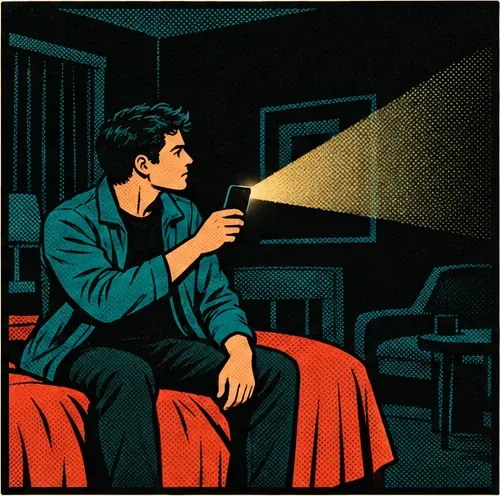
Panel 1: Closing the curtains and switching off the light
1. Lights off Close the curtains too. The darker the room, the better. Prep
Panel 2: Sweeping a phone flashlight across the dark room from the bed
2. Sweep from the bed A lens only shines back toward where it points — so stand where it would. Lens finder
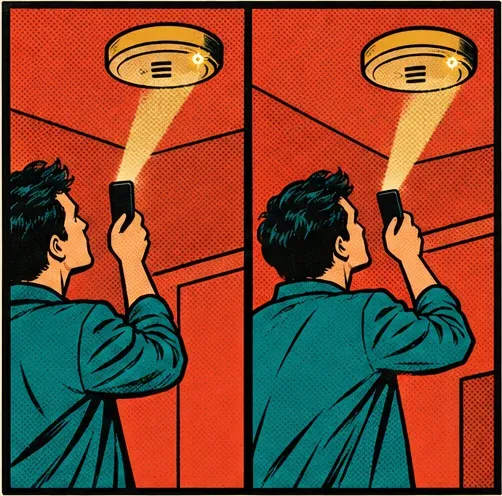
Panel 3: A glint on the smoke detector stays in place after a step to the side
3. Step aside A lens glint stays on the same spot. A shiny surface doesn’t. Lens finder
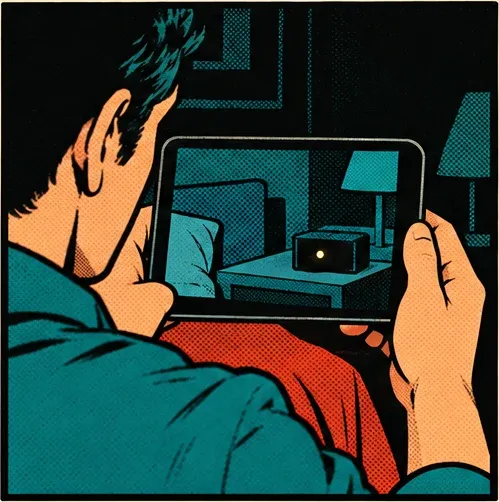
Panel 4: The phone screen shows a glowing dot on a bedside clock in the dark
4. Night vision The front camera shows the infrared LEDs of night-vision cameras. Night-vision finder
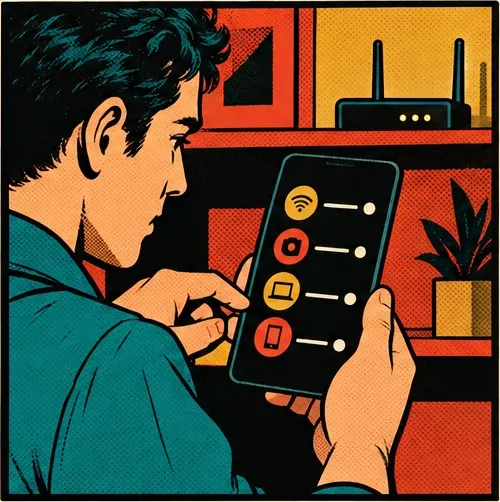
Panel 5: A list of nearby devices on the phone, a Wi-Fi router behind
5. Scan the air Devices on the Wi‑Fi you’re on, and Bluetooth tags nearby. Wi‑Fi scannerBluetooth scanner
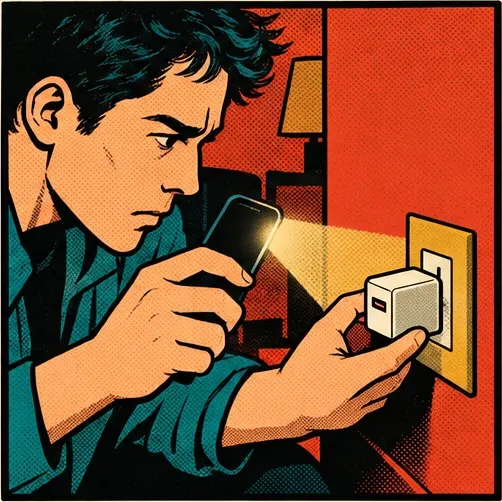
Panel 6: Checking a USB wall charger up close with the flashlight
6. Check the spots Chargers, clocks, smoke detectors, frames, the TV. Checklist

Every step is also a tool

Use any of them on its own, for free. The guided check runs them in order and explains every result.

A flashlight beam hitting a camera lens

Lens finder

Flashlight + camera. Lenses shine back — even on cameras that are off. Step aside to confirm.

Room · Car
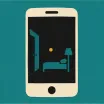
A phone showing a dark room with one glowing dot

Night-vision finder

In the dark, the front camera shows the infrared LEDs of night-vision cameras.

Room

Wi-Fi waves above a security camera

Wi‑Fi scanner

Every device on the network you’re on, with cameras named where possible. Unplug a suspect and rescan to find the object.

Room

A tracker tag on a key ring sending signals

Bluetooth scanner

Tile, SmartTag, Chipolo and unnamed tags such as AirTags, with a warmer–colder search to walk you to them.

Room · Car

A horseshoe magnet pulling a small black box

Magnet finder

The phone’s magnetometer reacts to the strong magnets that hold GPS trackers under a car.

Car
A clipboard with check marks and a magnifying glass

Hiding-spot checklist

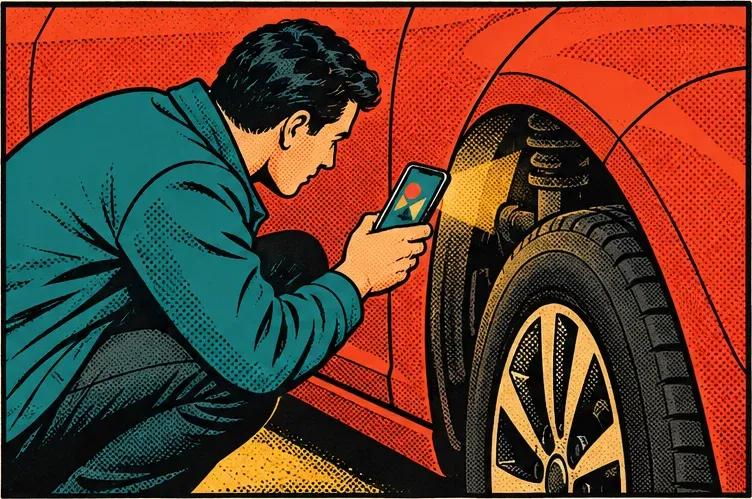
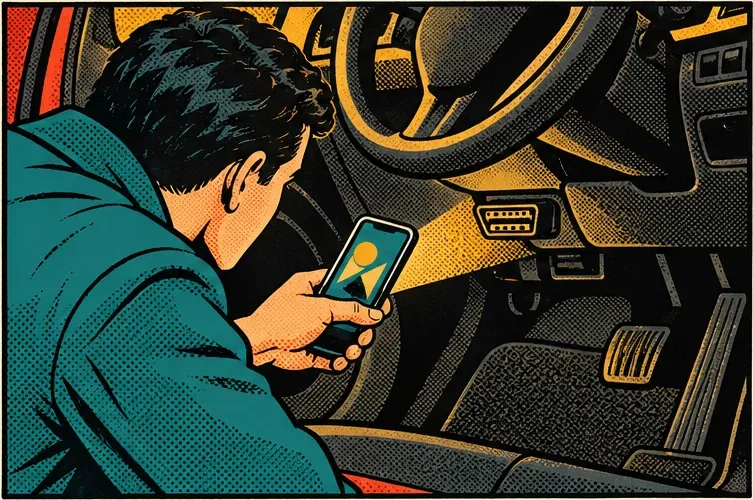
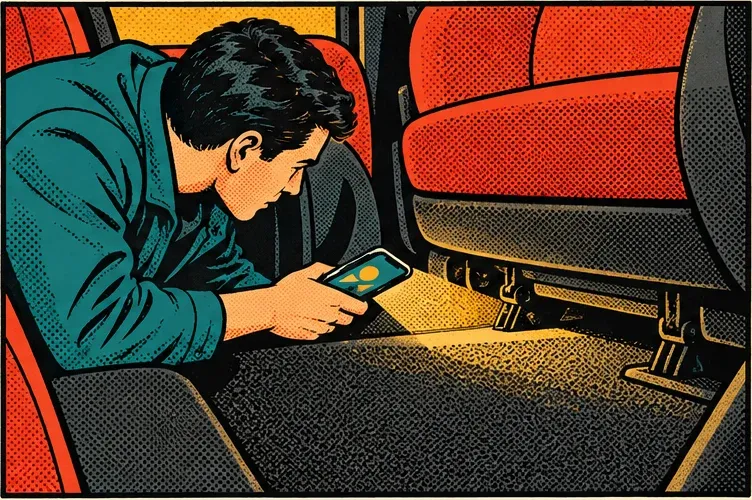
Where people hide cameras and trackers, spot by spot — smoke detectors and chargers, the OBD port and wheel arches.

Room · Car

No radar. No magic.

  • No phone can measure radio signals, so SIM bugs need an RF detector.
  • No app can tell whose AirTag is nearby; your iPhone also warns you about unknown ones.
  • Nobody can promise a room is clean. SpyOff shows what each check covered — and what it couldn’t.

FAQ

Can a phone really find hidden cameras?

Many of them. Lenses reflect light back at you, and Wi‑Fi cameras show up on the network. No phone can promise to find every camera, and SpyOff never says it does.

Can SpyOff find an AirTag?

It can help you look: AirTags show up as unnamed tags, and SpyOff leads you to one with a warmer–colder signal. No app can tell whose AirTag it is, and your iPhone already warns you when an unknown one travels with you.

What does it cost?

The tools are free, and so is your first full check. The price for more is shown before you pay — no surprise trials.

When can I get it?

SpyOff is coming to iPhone and Android. Until then, the guides show how to check a room with what you already have.

Switch the spy off.

Coming sooniPhone & Android

  • Free tools
  • First full check free
  • No account